
How to Create a TBN+ Account
Creating a TBN+ account is quick and free. Once you sign up, you can start watching faith-based content right away on your favorite devices.
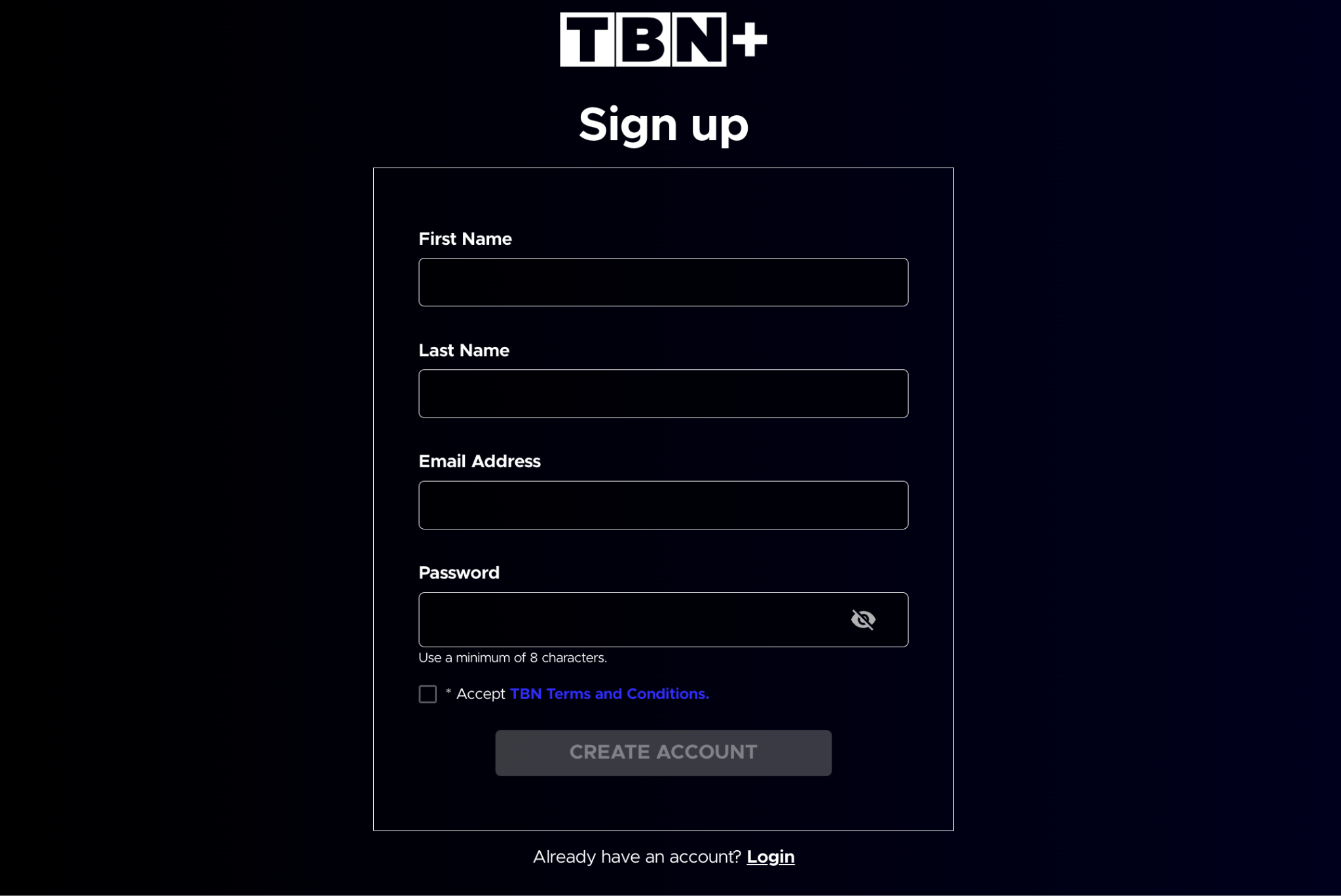
Create an Account on the TBN+ Website (Web)
Go to www.tbnplus.com
Click Sign Up or Create Account
Enter your email address and create a password
Follow the prompts to complete your account setup
Start streaming
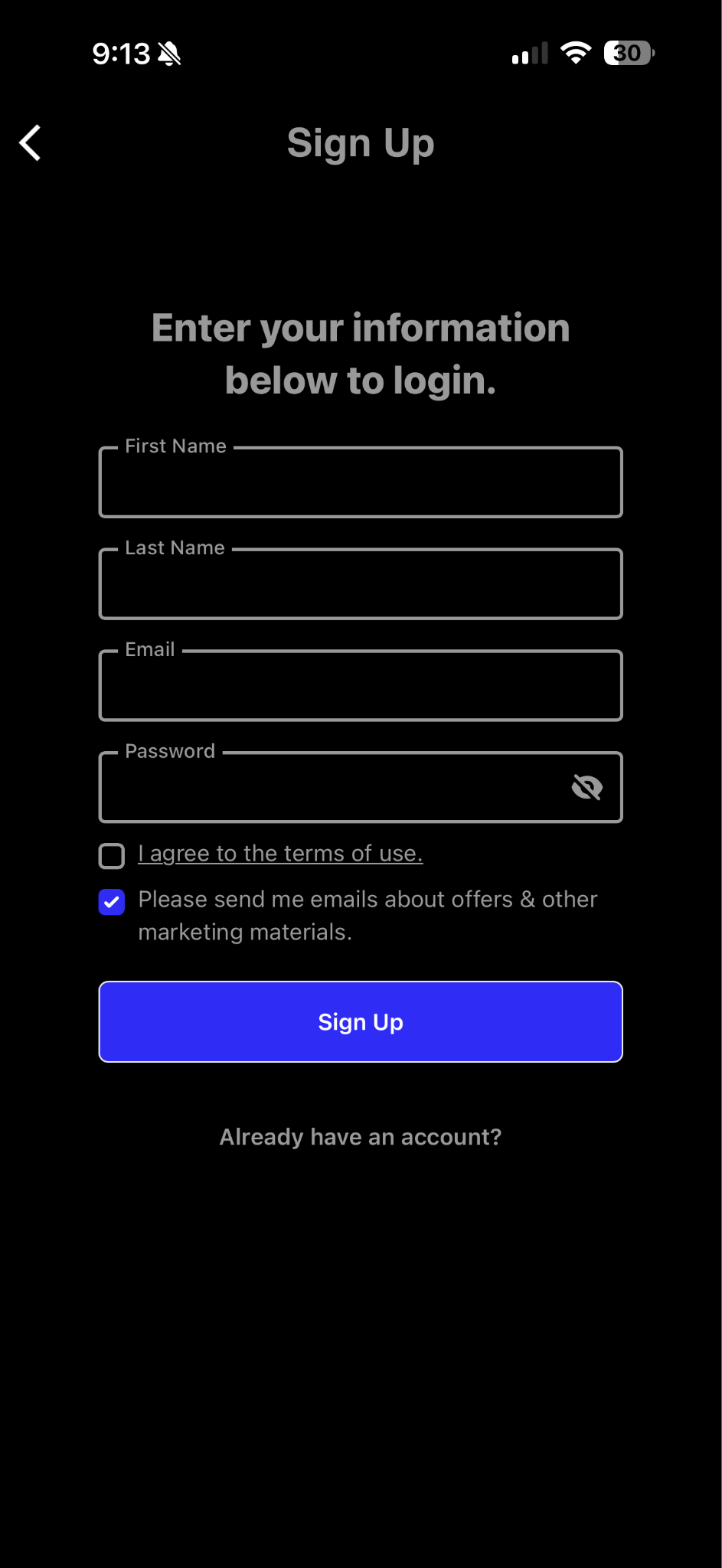
Create an Account on the TBN+ App
You can also sign up directly through the TBN+ app on your mobile device:
Download and open the TBN+ app
Select Sign Up
Enter your email address and create a password
Follow the on-screen instructions
Start watching
Do I Need a Subscription to Create an Account?
No, creating a TBN+ account is completely free.
With a free account, you can:
Start watching a wide selection of content
Save your preferences and viewing history
Access TBN+ across multiple devices
You can upgrade to TBN+ Premium at any time for an ad-free experience and additional content. For more information, visit Understanding the TBN+ Subscription Plans.
Tips for Creating Your Account
Use a valid email address you can access
Choose a secure password
Remember your login details for use across devices
Already Have an Account?
If you’ve already signed up, you can log in anytime at:
www.tbnplus.com/login
Need Help?
If you’re having trouble creating an account, try resetting your password or submit a ticket at help.tbnplus.com and our friendly customer service team will be happy to help.