
Why Is TBN+ Buffering or Not Playing?
If TBN+ is buffering, slow to load, or not playing at all, the issue is usually related to your internet connection, device, or app. The steps below cover the most common causes and how to fix them.
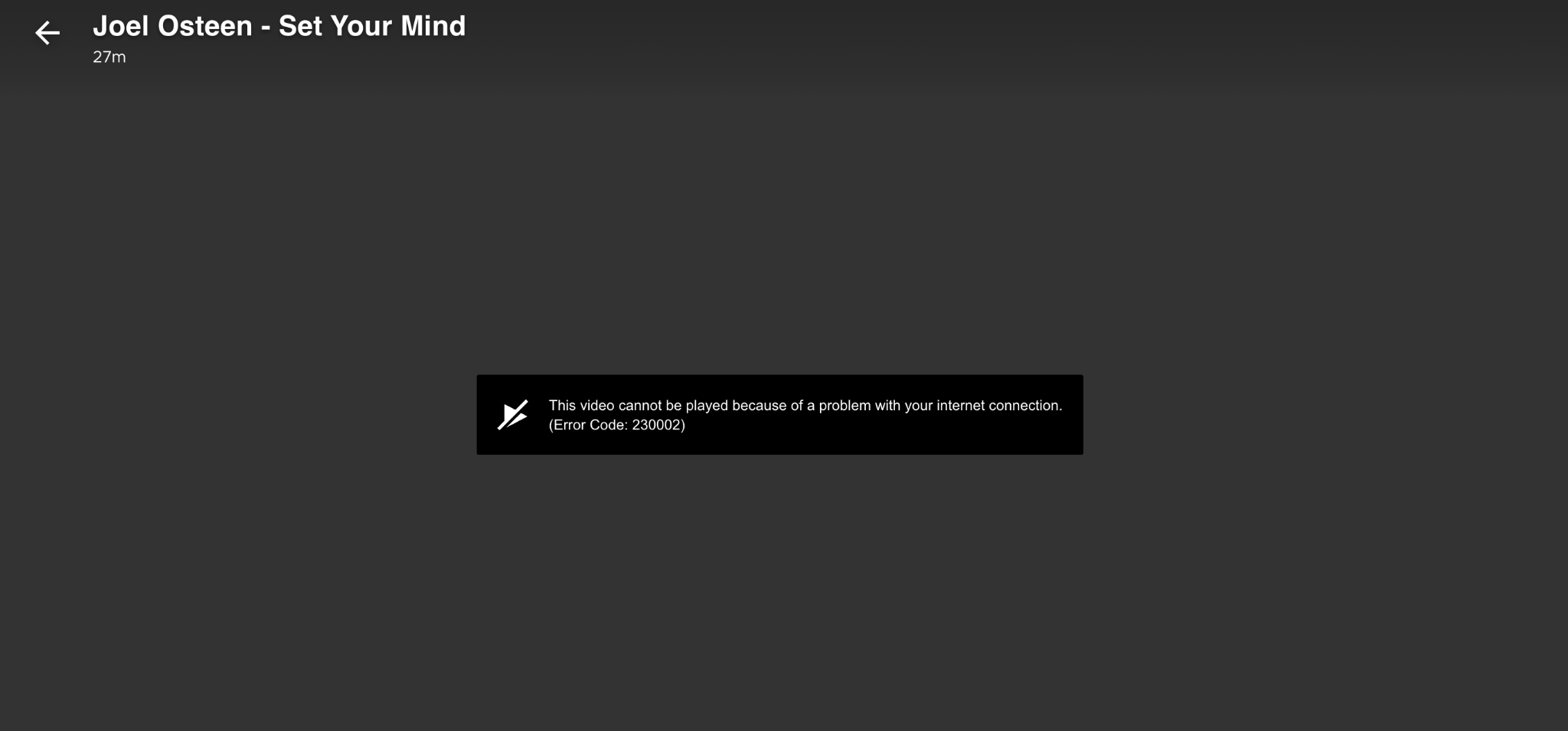
Check Your Internet Connection
Streaming requires a stable internet connection. If your connection is slow or inconsistent, videos may buffer or fail to play.
Make sure you’re connected to Wi-Fi or a reliable network
Try restarting your router
Move closer to your Wi-Fi source if the signal is weak
A speed of at least 5 Mbps is recommended for smooth playback.
Restart Your Device
Temporary glitches can often be resolved by restarting your device. Turn your device off and back on, relaunch the TBN+ app or refresh your browser, or update the app or browser.
Update the App or Browser
Using an outdated app or browser can cause playback issues, so check for updates to the TBN+ app and make sure your device software is up to date
If watching in a browser, use the latest version of Chrome, Safari, Edge, or Firefox
Close Other Apps or Devices
If multiple apps or devices are using your internet at the same time, it can slow down streaming. Try closing unused apps running in the background and pause downloads or streaming on other devices.
Try a Different Device
If TBN+ isn’t working on one device, try another supported device, such as switching from TV to mobile or web and vice versa. This can help determine if the issue is device-specific
Clear Cache or Restart the App
If you’re using a mobile device or browser:
Close and reopen the app
Clear your browser cache and cookies
Log out and back in if needed
Check for Service Issues
In rare cases, there may be a temporary issue affecting playback. If you suspect that’s the issue, try again after a few minutes and check if the issue is happening across multiple devices
Still Not Working?
If TBN+ is still buffering or not playing, make sure your device is supported and confirm your internet connection is stable.
If you’re still having trouble, submit a ticket at help.tbnplus.com and our friendly customer service team will be happy to help.