
How to Download the TBN+ App (All Devices)
You can watch TBN+ on a wide range of devices, including smartphones, tablets, smart TVs, and streaming devices. Follow the steps below to download the TBN+ app and start watching.
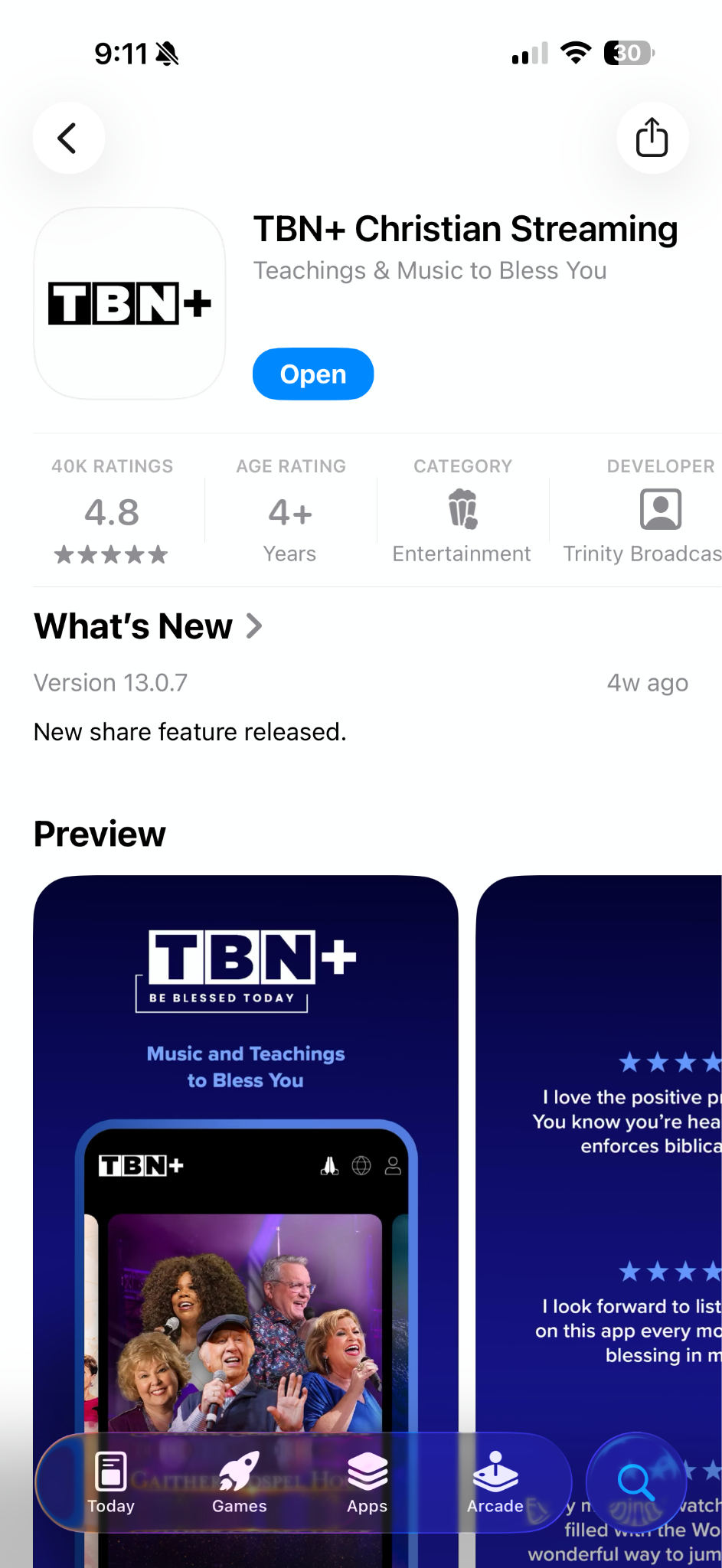
Download TBN+ on iPhone and iPad (Apple Devices)
Open the App Store
Tap the Search icon
Type TBN+
Select the TBN+ app from the results
Tap Get or the download icon
Open the app once it finishes installing
Download TBN+ on Android (Phones and Tablets)
Open the Google Play Store
Tap the search bar
Search for TBN+
Select the TBN+ app
Tap Install
Open the app after installation
Download TBN+ on Roku
Press the Home button on your Roku remote
Scroll to Streaming Channels
Select Search Channels
Search for TBN+
Select the app
Click Add Channel
Open the app from your channel list
Download TBN+ on Amazon Fire TV
Go to the Find or Search option on your Fire TV
Search for TBN+
Select the app
Click Download or Get
Open the app once installed
Download TBN+ on Apple TV
Open the App Store on your Apple TV
Search for TBN+
Select the app
Click Get to install
Launch the app after installation
Watch TBN+ on a Web Browser
You can also watch TBN+ without downloading an app:
Go to www.tbnplus.com
Click Log In or Sign Up
Start streaming instantly
After You Download the App
Once installed, you can:
Log in to your existing account
Sign up for a free account
Upgrade to TBN+ Premium for ad-free viewing and exclusive content (see: How Do I Upgrade My Subscription to TBN+ Premium?)
Need Help?
If you’re having trouble finding or downloading the app, make sure your device is connected to the internet and supports app downloads. You can also submit a ticket at help.tbnplus.com and our friendly customer service team will be happy to help.