
How to Watch TBN+ in a Web Browser

You can watch TBN+ in your web browser without downloading an app. Here’s how to start streaming on a laptop or desktop computer.
Step 1: Go to the TBN+ Website
Open your preferred web browser (Chrome, Safari, Edge, or Firefox) and go to https://www.tbnplus.com
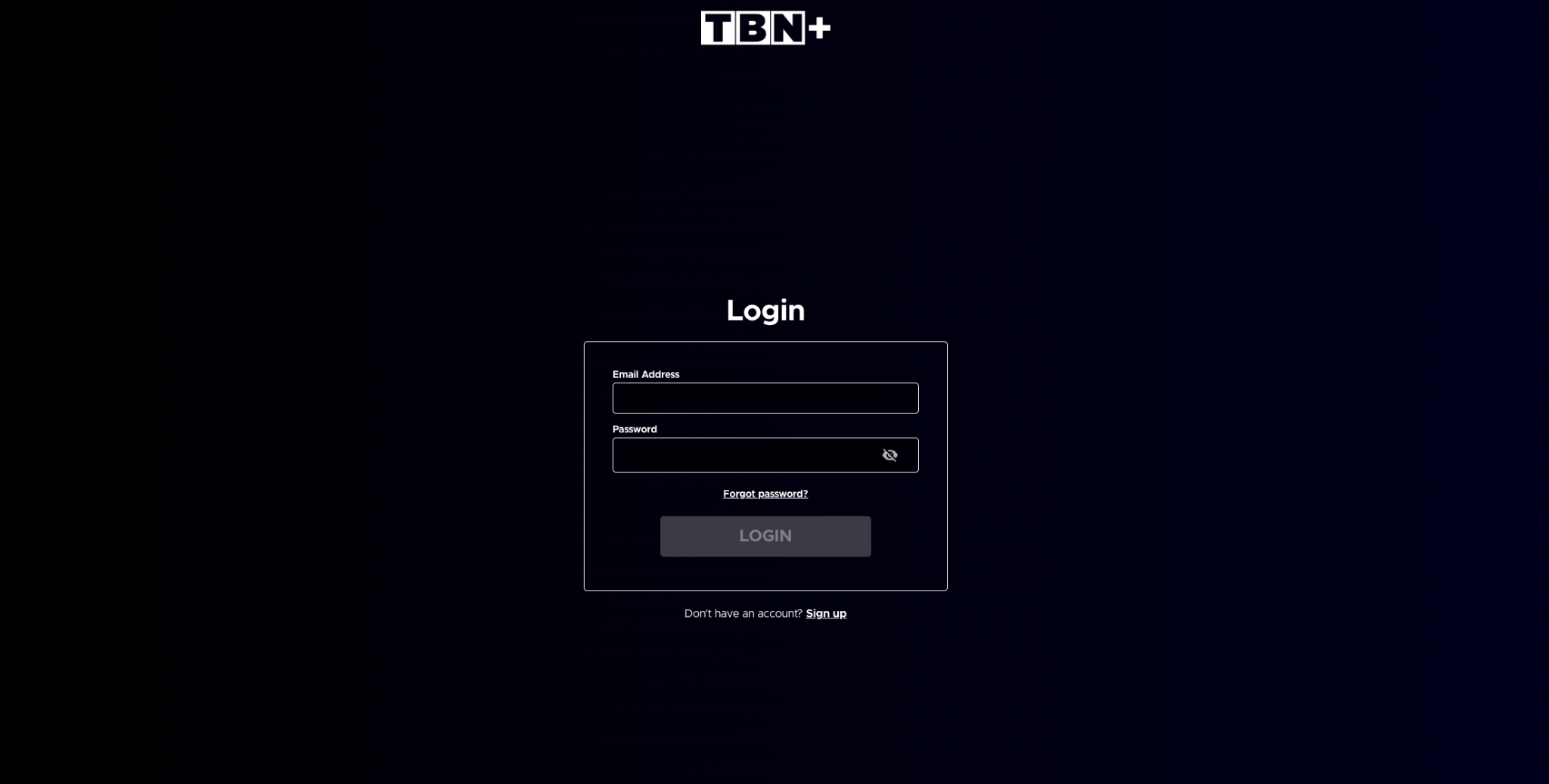
Step 2: Log In or Create an Account
Click Login in the top right corner if you already have an account. Enter your email address and password, then click Login.
If you don’t have an account yet:
Click Sign Up
Follow the prompts to create a free account

Step 3: Start Watching
Once logged in, you can browse the TBN+ library, select a show, sermon, or movie, and click play to start streaming.
You can also upgrade to TBN+ Premium at any time for:
Ad-free streaming
Access to exclusive content and originals
A more seamless viewing experience
Supported Browsers for Watching TBN+ Online
For the best experience, use the latest version of:
Google Chrome
Safari
Microsoft Edge
Mozilla Firefox
Having Trouble Watching?
If TBN+ isn’t working in your browser:
Make sure your browser is up to date
Check your internet connection
Try refreshing the page or clearing your browser cache
Disable any ad blockers or extensions that may interfere with playback
If you’re still having trouble, submit a ticket at help.tbnplus.com and our friendly customer service team will be happy to help.