
Why Can’t I Log In to TBN+?
If you’re having trouble logging in to TBN+, it’s usually due to incorrect credentials, account issues, or device-related problems. Follow the steps below to identify and fix the issue.
Check Your Email and Password
The most common reason for login issues is entering incorrect login details.
Make sure you’re using the correct email address
Double-check your password for typos or capitalization
Try typing your password again manually instead of autofill
If you’re unsure, try resetting your password.
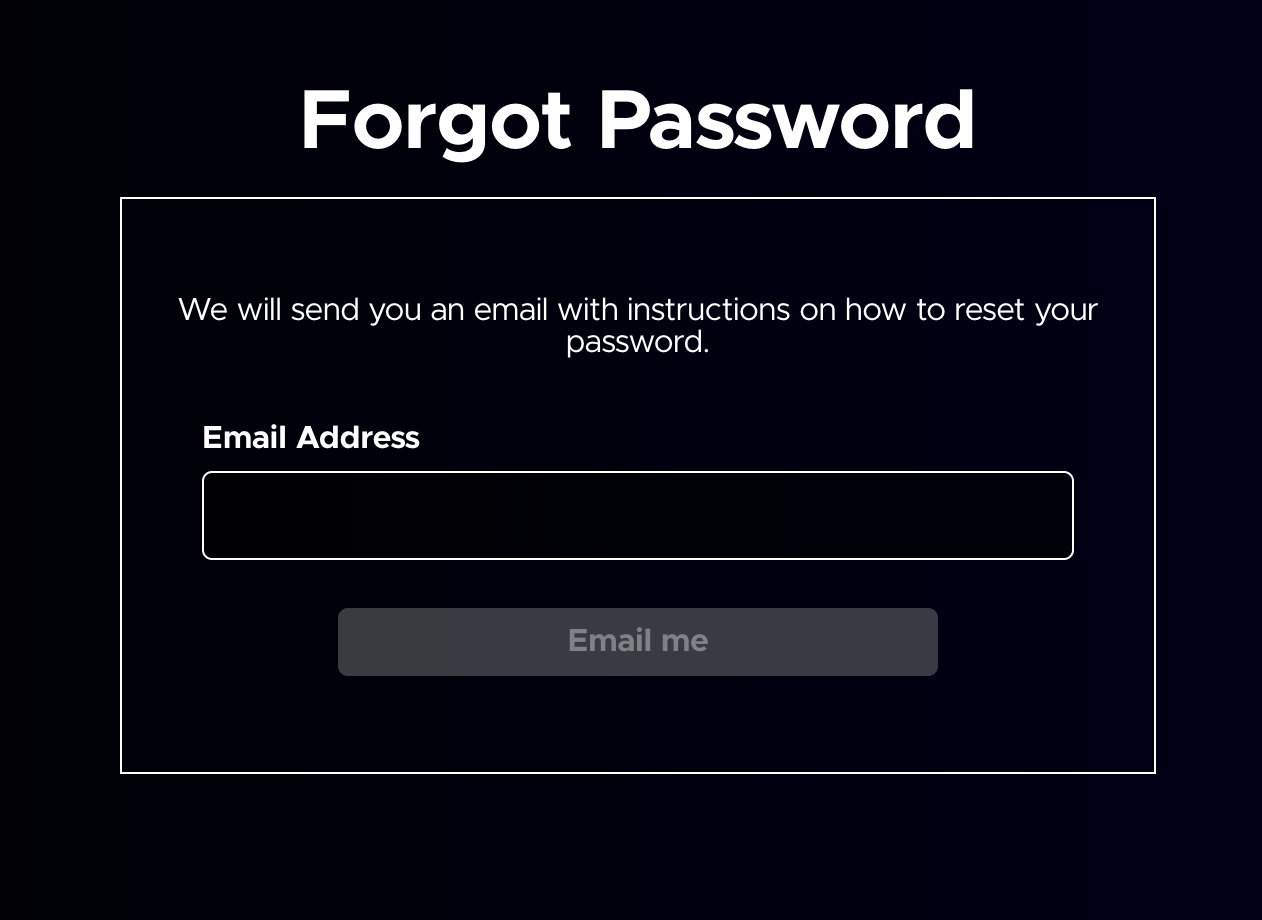
Reset Your Password
If you’ve forgotten your password:
Enter your email address
Follow the instructions in the reset email
For more help, visit:
How to Reset Your TBN+ Password
Make Sure You Have an Account
If you’re seeing an error, you may not have created an account yet. Try signing up with your email address. If you previously used a different email, try logging in with that instead.
Check If You Signed Up Through Apple, Google, or Roku
If you subscribed through a third-party platform, your login process may still require a TBN+ account.
Make sure you’ve completed account setup in the TBN+ app or website. Try logging in using the same email associated with your subscription.
Try a Different Device or Browser
Sometimes login issues are device-specific.
Try logging in on another device (mobile, TV, or web)
If using a browser, switch to Chrome, Safari, Edge, or Firefox
Clear your browser cache and cookies if needed
Check Your Internet Connection
A weak or unstable connection can prevent login attempts from completing. Make sure you’re connected to the internet or try switching between Wi-Fi and mobile data.
Having Trouble with TV Login?
If you’re logging in on a TV:
Use the activation code method if available
Make sure you entered the code correctly at https://secure.tbn.org/activate
Restart your TV and try again
Frequently Asked Questions
Why does it say my account doesn’t exist?
This usually means the email address you entered isn’t associated with a TBN+ account. Try another email address you may have used or create a new account.
Why am I being logged out of TBN+?
This can happen if your session expires, you log in on another device, or your app is outdated. Try logging in again and updating your app if needed.
Why isn’t my password working?
Make sure you’re entering the correct password with the right capitalization. If you’re unsure, reset your password to create a new one.
Can I stay logged in on my device?
Yes, most devices will keep you logged in unless you log out manually or clear your app/browser data.
Why isn’t the activation code working on my TV?
Activation codes are time-sensitive. Try generating a new code on your TV and enter it again at https://secure.tbn.org/activate
Still Can’t Log In?
If you’ve tried all of the steps above and are still having trouble, submit a ticket at help.tbnplus.com and our friendly customer service team will be happy to help.