
Common TBN+ Error Messages and How to Fix Them
If you’re seeing an error message while using TBN+, it’s usually related to your connection, account, or device. Below are some of the most common messages and what you can do to fix them.
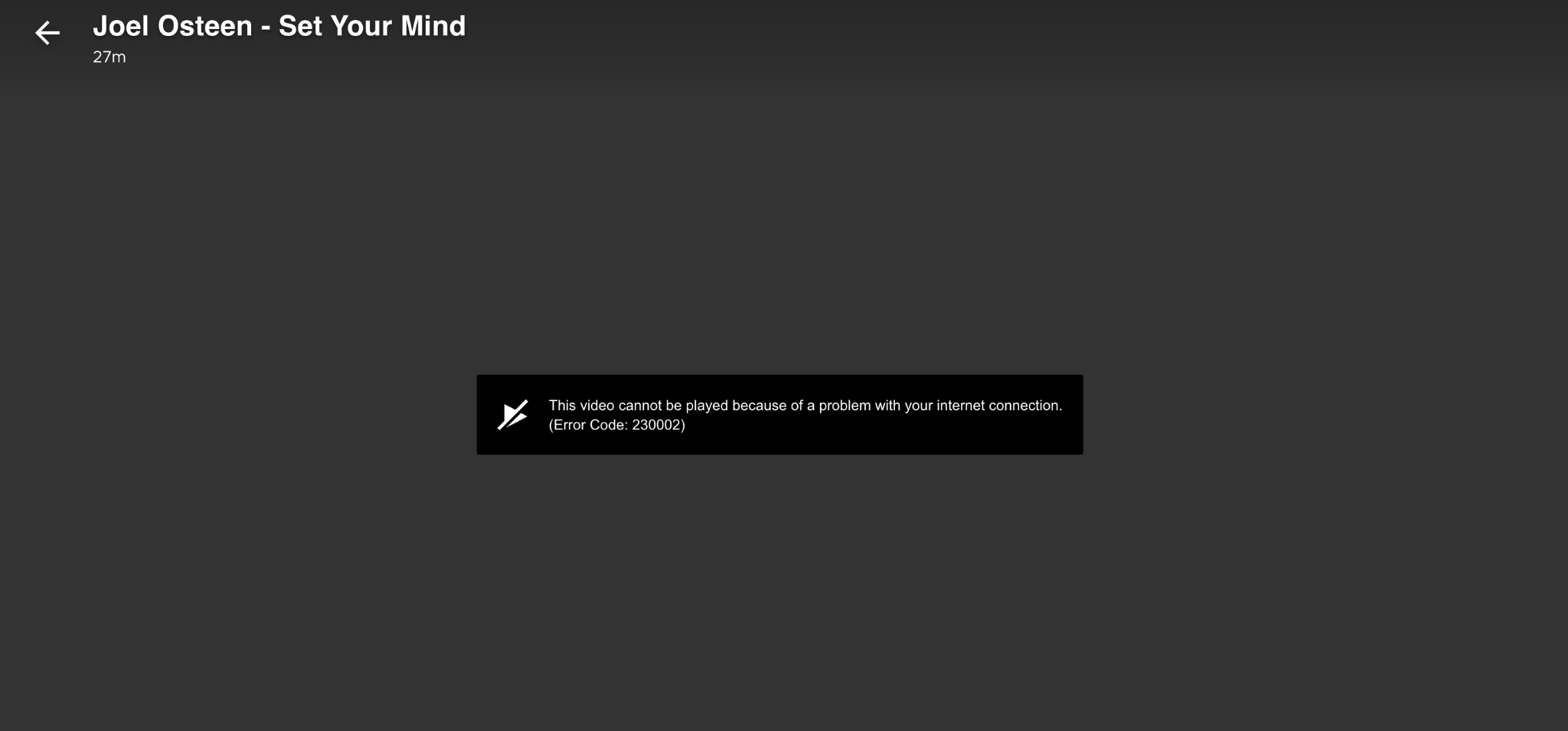
“Unable to Play Video” or “Playback Error”
This error typically means the video can’t load properly.
How to fix it:
Check your internet connection
Restart the TBN+ app or refresh your browser
Try playing a different video
Restart your device
If the issue continues, try watching on another device to see if the problem is device-specific.
“Something Went Wrong”
This is a general error that can appear for a variety of reasons.
How to fix it:
Close and reopen the app
Refresh the page (if using a browser)
Log out and back in
Make sure your app or browser is up to date
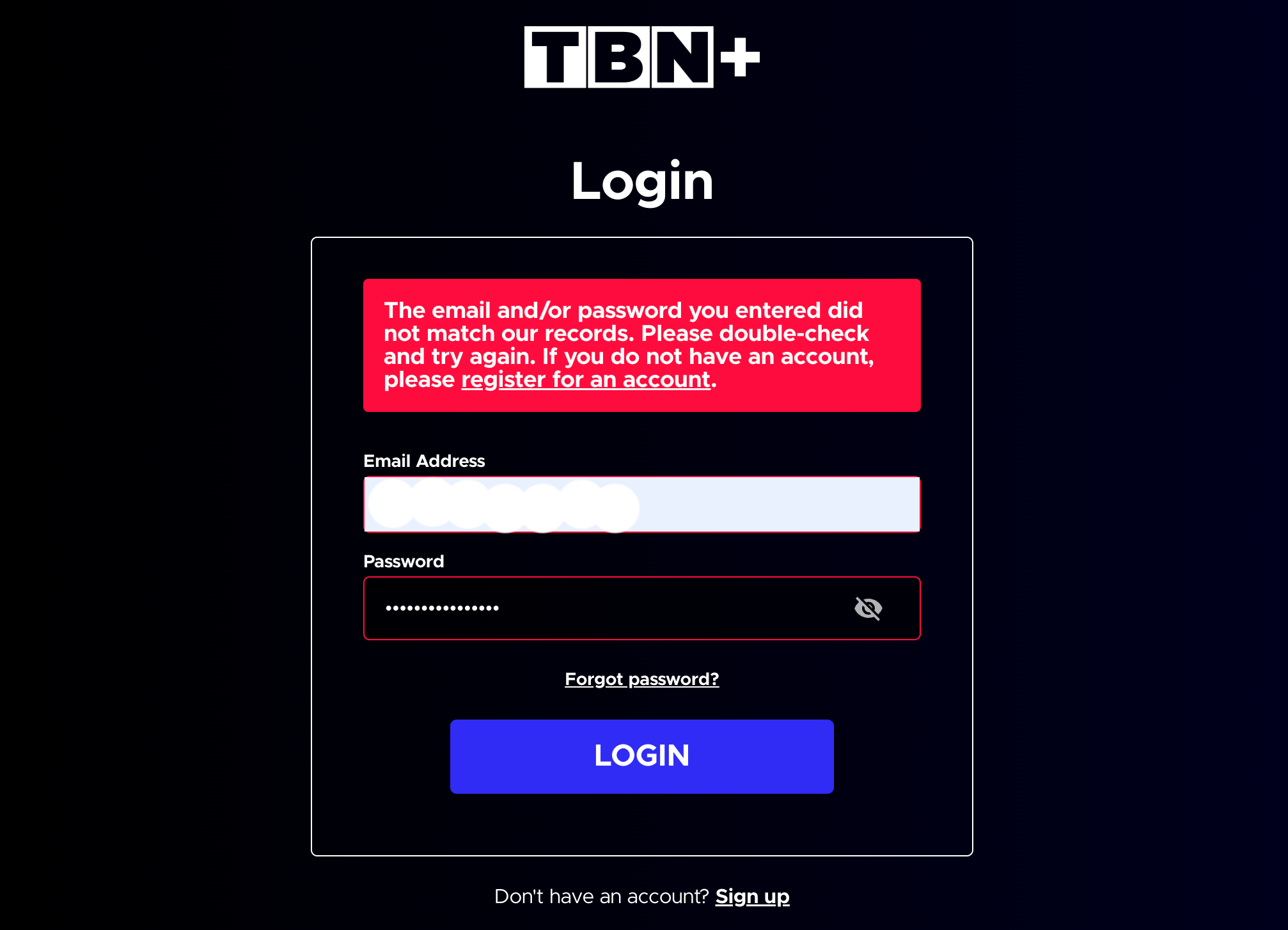
Invalid Email or Password
This error appears when your login details don’t match your account.
How to fix it:
Double-check your email and password
Make sure there are no typos or extra spaces
Reset your password if needed
Visit: How to Reset Your TBN+ Password
Activation Code Not Working
If your activation code isn’t working on a TV device, it may have expired or been entered incorrectly.
How to fix it:
Generate a new activation code on your TV
Enter it again at https://secure.tbn.org/activate
Complete the full login process
For more help, visit: How to Fix Activation Code Errors on TV Devices
Content Not Available in Your Region
This message means the video is restricted based on your location.
How to fix it:
Confirm your current location and network
Try watching other available content
Check back later, as availability may change
“Subscription Required” or “Upgrade to Watch”
This message appears when content requires a Premium subscription.
How to fix it:
Make sure you’re logged into the correct account
Confirm your subscription is active
Upgrade to Premium if needed
Visit: How Do I Upgrade My Subscription to TBN+ Premium?
“App Not Responding” or Freezing
If the app is slow, freezing, or not responding:
How to fix it:
Restart the app
Restart your device
Check for app or system updates
Reinstall the app if needed
Still Seeing an Error?
If you continue to experience issues, try using a different device or browser and confirm your internet connection is stable. If you’re still having trouble, submit a ticket at help.tbnplus.com and our friendly customer service team will be happy to help.